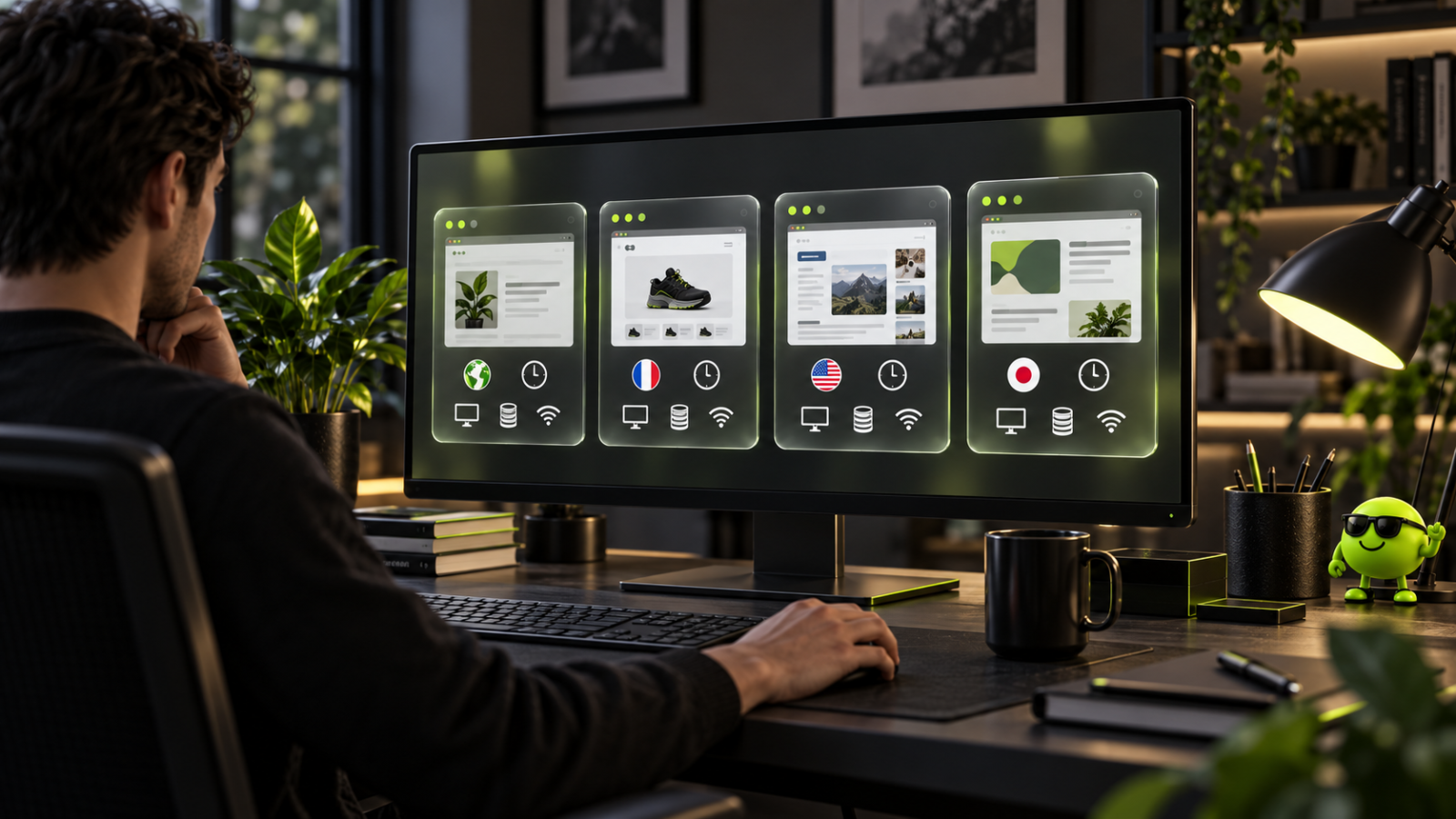
An antidetect browser is a web browser that keeps separate browser profiles on one machine, each with its own cookies and storage, its own set of fingerprint parameters and, usually, its own network settings. It is built on a familiar engine, typically Chromium or Firefox, and adds profile management on top. Its purpose is control over what a browser reports and keeping working environments apart, not invisibility: a site still sees a browser, a screen, a language and a network address. The antidetect browsers overview puts the tool next to the criteria used to compare products.
What a browser reveals about its user
Every request to a website carries more than the page address. The browser sends a User-Agent string naming the browser and operating system, along with the languages it accepts. Scripts can then read the screen resolution, the time zone, installed fonts, hardware hints such as processor threads and memory, and the way the device renders graphics and audio. None of these values is secret and none is unique on its own. Together they can be distinctive enough to recognise a browser across sessions, which is the basis of browser fingerprinting.
Two of the richer sources are graphics related. Canvas drawing and WebGL rendering depend on the graphics stack, so the same drawing can come out slightly differently on different machines. MDN documents that the WebGL debug renderer extension exposes the graphics driver's vendor and renderer strings, that it may be unavailable depending on the browser's privacy settings, and that it is meant for debugging rather than general-purpose use, as the MDN reference for WEBGL_debug_renderer_info states. Newer User-Agent Client Hints split browser data into low-entropy values sent by default and high-entropy values that the browser decides whether to share, according to MDN's guide to Client Hints. A fuller account of the signals is in the explainer on what a fingerprint is made of.
What an antidetect browser changes
An antidetect browser sits between the page and the machine and lets each profile carry its own configuration. Four things are separated per profile.
- Stored data. Cookies, cache and local storage in one profile are never visible to another, so sessions do not mix.
- Reported parameters. The profile has its own values for items such as the User-Agent, screen size, language, time zone and hardware hints.
- Rendering and audio output. Settings control how canvas, WebGL and audio interfaces respond inside the profile.
- Network settings. A proxy can be assigned to the profile so that its traffic leaves from a chosen route, and WebRTC settings control whether a real-time communication interface exposes local network details.
Products differ in how much of this they expose, and sources disagree on how much of the connection layer a browser setting can influence at all. Some treat header and request handling as part of the product, others note that the way a connection is negotiated sits below the browser and cannot be changed from inside a page.
Typical settings and what each controls
| Setting | What it controls |
|---|---|
| User-Agent | The browser and operating system string sent with each request |
| Platform and OS version | The declared operating system |
| Screen resolution | The reported display size |
| Time zone | The time zone the browser reports |
| Language | The locale sent in headers and exposed to scripts |
| Canvas | The output of the 2D drawing interface |
| WebGL | The graphics information returned for 3D rendering queries |
| Audio context | The output of the audio processing interface |
| Fonts | The list of fonts visible to the page |
| Hardware | Processor threads, memory and graphics details |
| WebRTC | Whether local network addresses can be read through real-time communication |
| Client Hints | The additional headers carrying platform version and architecture |
| Proxy | The network route assigned to the profile |
| Cookies and storage | The data store that belongs to that profile alone |
Values that contradict one another make a poor test environment. A mobile User-Agent on desktop graphics hardware, or a language and time zone that do not fit the chosen region, are examples. This is why most products aim for internally consistent profiles rather than arbitrary values.
Antidetect browser, incognito mode, VPN and a regular browser
The four options are easy to confuse because each promises some privacy. They isolate different things.
| Tool | What it isolates | What it leaves exposed |
|---|---|---|
| Regular browser | Nothing between sites within one profile | Fingerprint, cookies, network address, storage |
| Incognito mode | Local history and cookies for the session | Fingerprint and network address |
| VPN | The network route for the device | Browser fingerprint, stored data |
| Antidetect browser | Stored data and fingerprint parameters per profile | The network address, unless a proxy is assigned |
Incognito mode clears local traces when the window closes; it does not change what the browser reports, and the EFF's Cover Your Tracks notes that deleting cookies does not help against fingerprinting because it analyses the browser's configuration. A VPN swaps the network route and leaves the browser's identity alone. The built-in profiles of a mainstream browser separate cookies and history but run on the same machine and the same graphics stack, so they report the same hardware-dependent values. The tools are complements rather than substitutes.
Profiles, teams and synchronisation
A profile holds a configuration, a proxy setting, stored data and notes, and can be created singly or from templates. Some products keep profiles locally, others store them encrypted in a cloud so the same profile opens on another machine or is shared with a colleague. Role-based permissions, groups and activity logs let a team lead decide who can open which profile and see what happened in it. Some tools add an action synchroniser that repeats input across several open profiles, which is a convenience for repetitive testing and distinct from automation.
Automation, APIs and proxies
Most products expose a local or cloud API that can list, create, launch and close profiles, and many work with common automation frameworks such as Selenium, Puppeteer and Playwright. Several products also connect to language-model assistants through the Model Context Protocol. Headless mode, which runs a browser without a visible window, is available in some products and is an execution mode rather than an identity feature.
The network address is part of what a site can read, so proxy settings per profile are standard. Common protocols are HTTP, HTTPS and SOCKS5, and some products offer bulk import and a validity check. Address type affects how a site treats traffic, and the trade-offs are covered in the guidance on choosing proxies for browser profiles.
Where antidetect browsers are used
Legitimate uses centre on separate environments and controlled configuration.
- Advertising and page verification: viewing a campaign or landing page as a visitor in another region would see it. The affiliate marketing overview shows where media buyers and small teams fit.
- Agency work: keeping each client's dashboards and sessions apart on accounts the agency is authorised to manage.
- Market research: comparing availability, listings and search results by region.
- Software testing and QA: reproducing combinations of screen size, platform and language without a physical device for each.
- Security research: analysts use controlled environments to study fraud techniques.
Limits: what an antidetect browser does not do
The tools change what a browser reports. They do not make a session invisible. Platforms also weigh signals a page-level setting does not reach, such as how a connection is negotiated and how a session behaves over time, and sources agree that no single browser setting guarantees any outcome with a given platform. A fingerprint checker service, one category of testing tool, only reports how a profile looks to scripts.
How platforms treat these tools
Antidetect browsers are legal software in most jurisdictions, and the use determines exposure. Testing, verification and managing accounts a person is entitled to manage are ordinary work. Fraud, unauthorised access and impersonation are not lawful, and the same capabilities can serve either purpose. Platform terms are a separate matter from law: many services restrict operating several accounts, and a violation can lead to restrictions or closure regardless of the software involved.
Pricing models
Products price in several ways, and the model matters more than any figure. Some charge by stored profiles and simultaneous sessions, some by launches, some by minutes of runtime, and cloud-phone products meter device time separately. Some bundle proxy traffic and others bill it separately. Free tiers and trials exist in several products, with differing caps; vendors publish current terms on their own pages, and those change.
FAQ
Is an antidetect browser the same as incognito mode?
No. Incognito mode clears local history and cookies when the window closes, but the browser keeps reporting the same parameters. An antidetect browser keeps separate stored data and parameter sets per profile. The two solve different problems.
Does an antidetect browser replace a VPN or a proxy?
No. A VPN or proxy changes the network route and leaves the browser's reported parameters alone, while an antidetect browser changes the profile's parameters and stored data and leaves the route alone unless a proxy is assigned. Because the network address is readable by sites, the two are often used together.
Does it make a user invisible to websites?
No. A site still receives a browser, a screen, a language and a network address, and platforms weigh signals beyond the browser. The tool changes what is reported and keeps environments apart; it does not decide how a platform will treat a session.
Are antidetect browsers legal?
The software is legal in most jurisdictions, and the use determines the exposure. Testing, ad verification and managing accounts you are entitled to manage are ordinary work; fraud and unauthorised access are not. Platform terms apply separately, and a violation can lead to restrictions.
How are antidetect browsers priced?
Models include charging per stored profile, per simultaneous session, per launch or per minute of runtime, with proxy traffic bundled or billed separately. Free tiers and trials differ between vendors. Current terms are published on each vendor's own page.